
Introducing Shared Lists Across Your Organization
“Shared Lists allow you to share any of your new or existing lists with everyone if your organization.”
Highlights
“Shared Lists allow you to share any of your new or existing lists with everyone if your organization.”
Introducing Shared Lists Across Your Organization
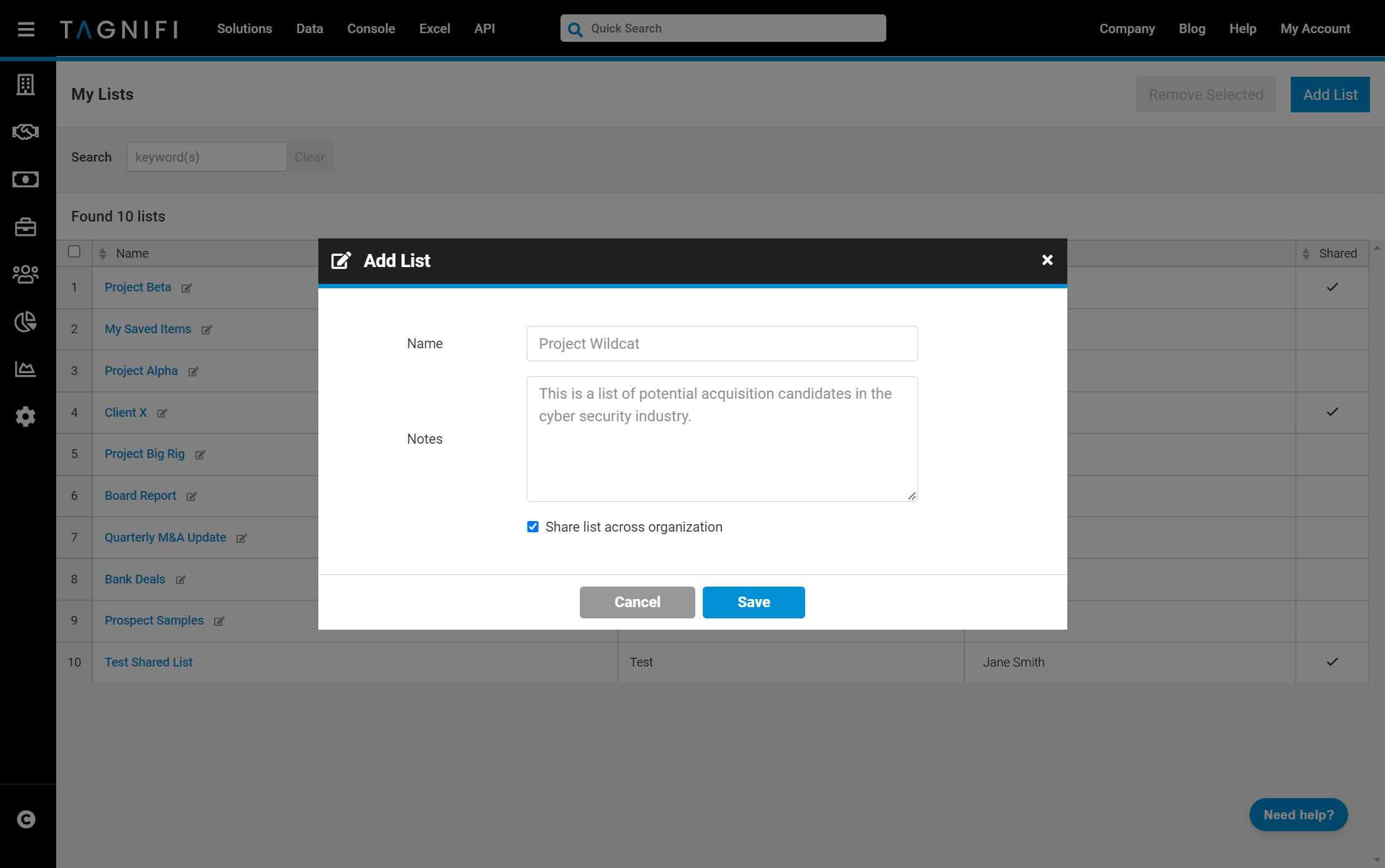
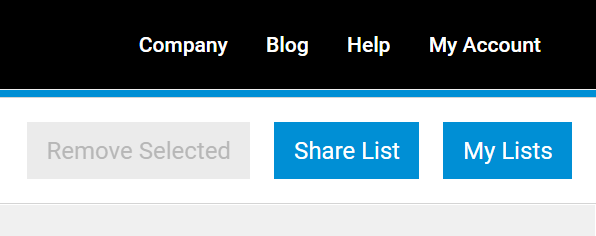
What would be better than the ability to save any search or page to your own lists on TagniFi? How about the ability to share and collaborate with your team on any new or existing list? Now you can do just that with the new Shared List feature available in the TagniFi Console. Shared Lists allow you to share any of your new or existing lists with everyone if your organization. To share a new list with your organization, simply check the Share list across organization option and your list will be available to everyone on your team. Your team will be able to add, edit or remove new items to your list. To share an existing list with your organization, simply select the Share List button from the list page. To cancel sharing a list with your organization, simply select the Unshare List button on the same page.To access your lists, hover over My Account and select My Lists in the upper right corner of the TagniFi Console.
Reproduce this
Every figure here comes from TagniFi. Open the same filters and pull the exhibit yourself.
Get this quarterly
One email when the transaction review posts. No product marketing.