
Saved Searches and Lists
“To access or manage your saved searches and lists, hover over My Account in the upper right corner of the TagniFi Console and select My Lists.”
Highlights
“To access or manage your saved searches and lists, hover over My Account in the upper right corner of the TagniFi Console and select My Lists.”
Saved Searches and Lists
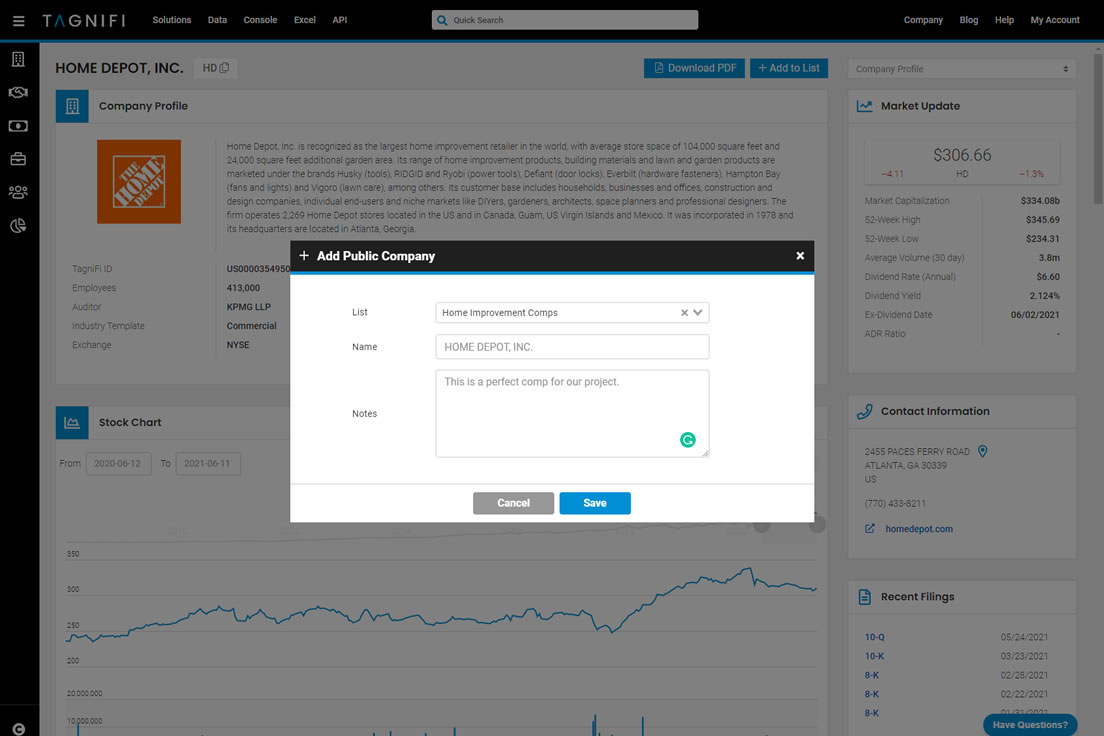
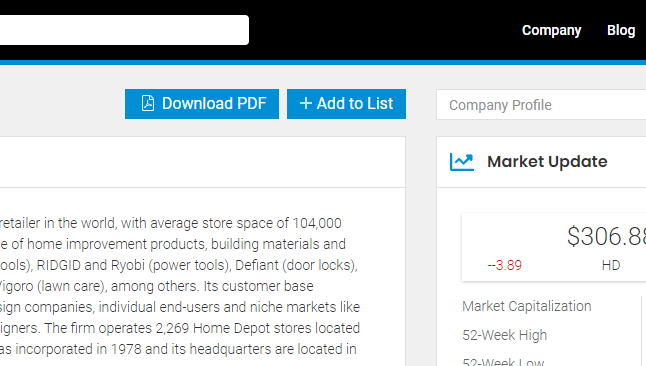
We're excited to announce our newest release for the TagniFi Console which includes Saved Searches and Lists. With these new features, you can save a search which makes it easy to re-run searches anytime. Saved lists provide users the ability to manage the lists of any data on the TagniFi platform, including public companies, private companies, deals, investors, advisors, people, and funds. For example, you could create a list of public comps to use for your valuation or a list of private equity investors with specific investment criteria for a sell-side engagement.To save a search, select Save Search from any search results page. You can save your searches under custom lists (ex. Home Improvement Comps or Project Alpha) or just save it to your default list (My Saved Lists). To add an item to a list, select Add To List from any page (ex. company, deal, investor, etc.). A dialog will open with a collection of your existing lists available or you can create a new list in the text box. To access or manage your saved searches and lists, hover over My Account in the upper right corner and select My Lists.
Reproduce this
Every figure here comes from TagniFi. Open the same filters and pull the exhibit yourself.
Get this quarterly
One email when the transaction review posts. No product marketing.